

🏡 Best Accessories for Your Work-From-Home Setup (2025 Guide)
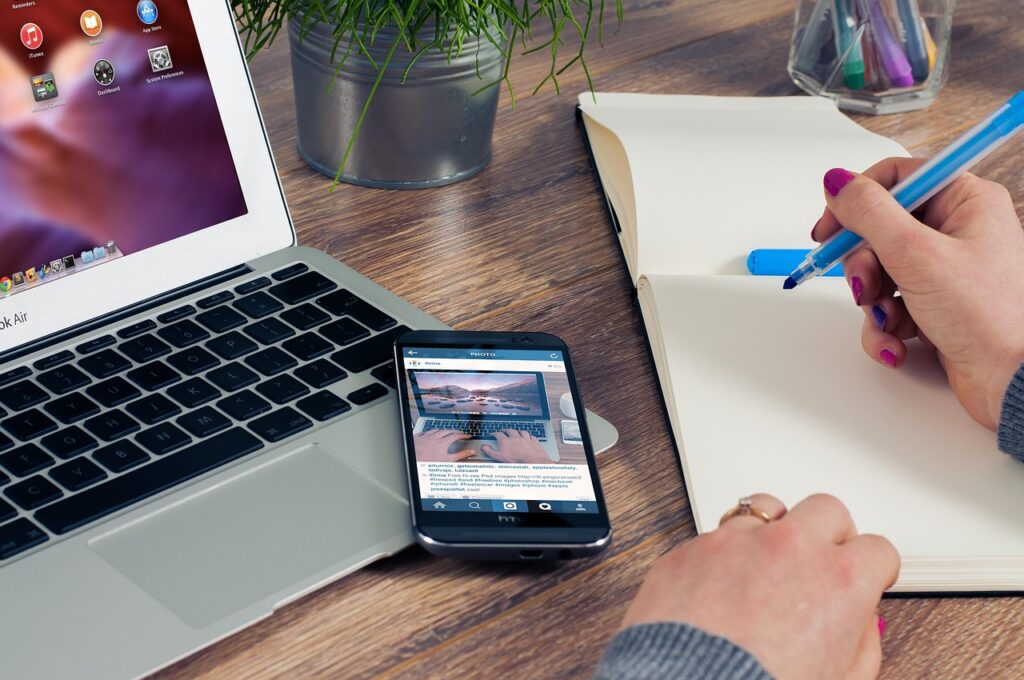
Working from home is now a standard part of life for many professionals. But to be productive and comfortable, having the right accessories is essential. Whether you’re working from a dedicated home office or a corner of your living room, these accessories will take your setup to the next level.
🖥️ 1. Ergonomic Office Chair
A good ergonomic chair supports your posture, reduces back pain, and improves productivity during long working hours.
Recommended Features:
- Adjustable height and lumbar support
- Breathable mesh material
- Comfortable armrests
⌨️ 2. Wireless Keyboard and Mouse
A wireless keyboard and mouse combo makes your workspace clutter-free and improves efficiency.
Why You Need It:
- Better typing comfort compared to laptop keyboards
- Precision and speed for daily tasks
- Rechargeable or long-lasting battery options
🖼️ 3. Second Monitor
A dual-monitor setup can boost productivity by up to 30%, allowing you to multitask easily.
Key Benefits:
- More screen real estate
- Perfect for video calls and document editing
- Affordable options available under $150
💡 4. Desk Lamp with Adjustable Brightness
Eye strain is a common problem when working indoors. A desk lamp with adjustable brightness and color temperature can improve focus and protect your vision.
🎧 5. Noise-Cancelling Headphones
Distractions can ruin your workflow. A pair of noise-cancelling headphones helps you stay focused during calls and deep work sessions.
Top Picks: Bose QC45, Sony WH-1000XM5, or budget-friendly Anker Soundcore Life Q30.
🖇️ 6. Laptop Stand or Monitor Riser
Laptops placed too low can lead to neck pain. A stand elevates the screen to eye level, improving posture.
Bonus Tip: Combine it with an external keyboard and mouse for maximum comfort.
🔌 7. Power Strip with USB Ports
Keeping your devices charged is crucial. A power strip with multiple outlets and USB ports can keep your setup organized and cable-free.
📷 8. HD Webcam
If you frequently join video meetings, a dedicated 1080p webcam provides better clarity than most built-in laptop cameras.
🎙️ 9. External Microphone
Crystal-clear audio can make a big difference in meetings or presentations. USB microphones like the Blue Snowball or HyperX SoloCast are excellent picks.
🌿 10. Desk Plants & Decor
A touch of greenery can reduce stress and create a pleasant workspace. Consider adding small plants or motivational decor to boost your mood.
📌 Final Thoughts
A great work-from-home setup doesn’t require breaking the bank. Start by investing in a few key accessories like an ergonomic chair, a second monitor, and noise-cancelling headphones. Over time, small upgrades will make your workspace more comfortable and productive.